
The Complete Guide to Building Domain-Specific AI Research Agents
A practical guide to transforming Cursor into a specialized research assistant that works independently, demonstrated through pharmaceutical research and adapted to any domain

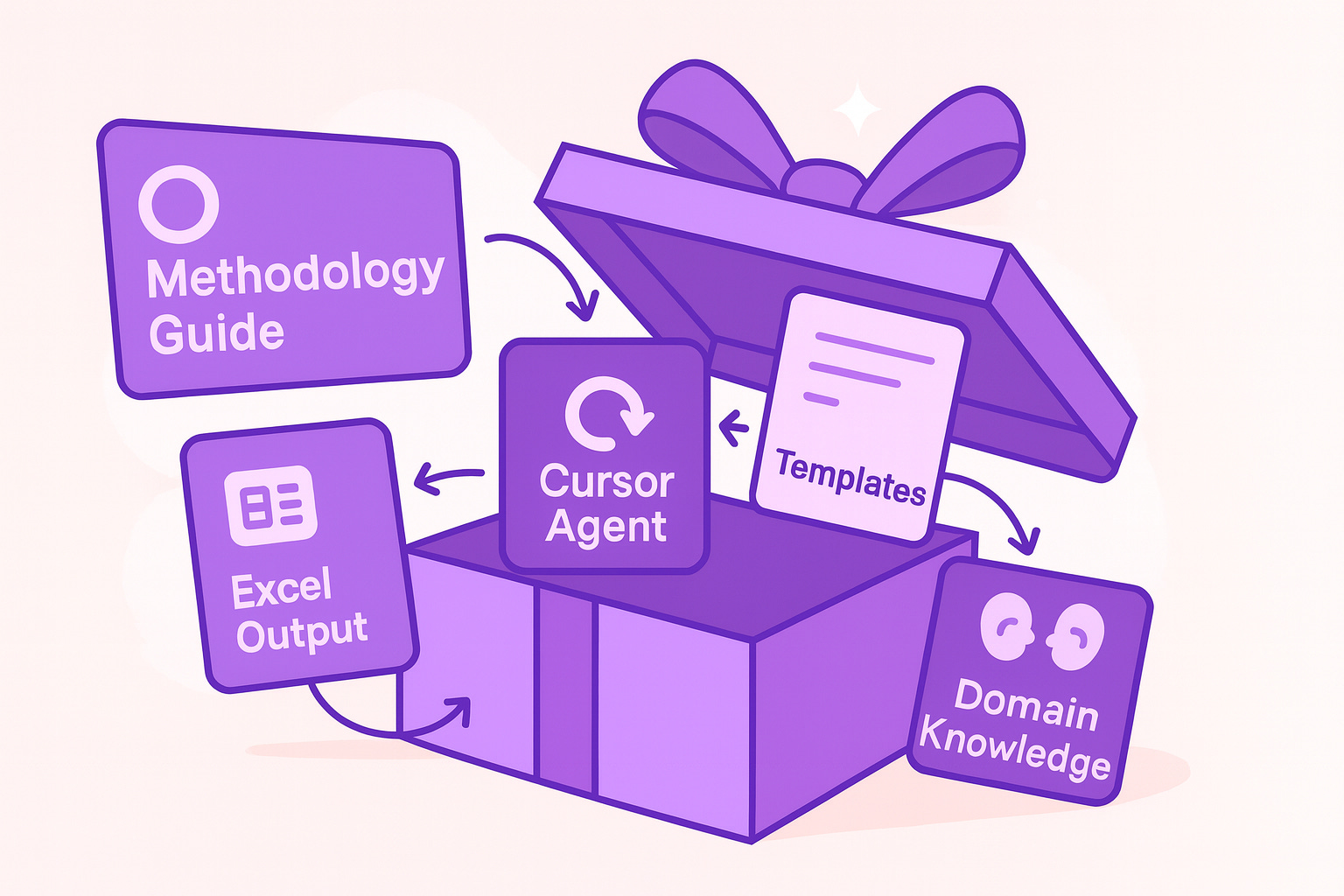
Note: This detailed implementation guide was created in response to reader requests following my earlier article: How I Outsourced My Google Research to AI (And You Can Too). Many readers reached out for the complete technical setup and methodology behind building specialized research agents. This guide provides exactly that.
Why This Matters
Research is time-consuming and repetitive. You search for information, organize it, verify sources, format outputs, and repeat the process dozens of times. What if an AI agent could do this entire workflow autonomously while you focus on analysis and decision-making?
This guide shows you how to build exactly that, using Cursor IDE and a structured methodology that can research pharmaceutical compounds, analyze markets, investigate competitors, or explore any domain systematically.
What you'll accomplish:
Transform Cursor into an autonomous research agent in 15 minutes
See a complete research project executed from start to finish
Understand the 3-phase methodology that makes automation possible
Adapt the system to market research or any other domain
Handle common issues and optimize performance
This guide covers a Cursor-powered research agent that autonomously researches pharmaceutical compounds and generates professional reports. It demonstrates the methodology, mindset, and technical implementation for creating specialized AI agents for any research domain.
This isn't about better prompting, it's about programming AI behavior through structured instruction systems. (For prompting strategies, see my production-ready coding guide.)
What You'll Learn in This Guide
Part I: See It Work - Complete Research Example
Start with hands-on demonstration. You'll watch it research a real pharmaceutical compound autonomously from start to finish; then set up the system in 5 minutes, test it with a sample compound, and see how it work. By the end, you'll see a complete research package with professional Excel reports.
Part II: Complete Setup Guide
Master the technical setup with detailed step-by-step instructions. Learn the folder structure, understand how to configure Cursor context properly, and test different research scenarios. This section ensures you can replicate the system reliably.
Part III: Understanding the 3-Phase Methodology
Dive deep into how the automation actually works. Understand the structured instruction system, see how Cursor makes intelligent decisions, and learn why the 3-phase approach creates comprehensive, professional research.
Part IV: Adapting to Any Other Domain
Apply the framework to a completely different domain. See a detailed example of adapting the pharmaceutical research system for competitive market analysis, with concrete search strategies, data extraction methods, and output templates.
Part V: Troubleshooting and Pro Tips
Handle real-world challenges with practical solutions. Learn what to do when Cursor stops mid-process, how to improve output quality, and advanced techniques for optimization. Includes performance monitoring and continuous improvement strategies.
Part I: See It Work - Complete Research Example
Let's start with a working demonstration. You'll see the system research a pharmaceutical compound autonomously, then understand how it works.
About Our Demo Compound: Dupilumab (Dupixent)
We'll research dupilumab — a blockbuster biologic drug with $11+ billion in annual sales.
What it treats: Severe eczema, asthma, and chronic sinus conditions
Who made it: Sanofi & Regeneron Pharmaceuticals
How it works: Blocks immune system proteins that cause inflammation
Why it's perfect for this demo: Dupilumab has multiple approved uses, complex clinical trial data, and substantial market presence, exactly the kind of multi-faceted pharmaceutical compound that showcases how our AI agent handles comprehensive research across clinical trials, market analysis, and competitive positioning.
Quick Setup (5 minutes)
Step 1: Get the Package