
How I Built a Shared AI Second Brain for Claude, ChatGPT, and Hermes
Download the Shared AI Memory Kit with the setup files and step-by-step onboarding prompt to connect Claude, ChatGPT/Codex, and Hermes to one self-maintained source.

How many AI tools do you use every day? How many have you tried, set up, and phased out? I have lost count.
My list includes Claude, ChatGPT, Antigravity, Cursor, Hermes, OpenClaw, and Notion. I have phased many others out of my daily work.
Every new tool promised another useful capability.
It also arrived with another onboarding job.
Another preference file, instruction set, skill library, memory, and schedule to maintain.
So I resisted adding new AI tools to my system.
Trying a tool was easy. Teaching it how I work was the expensive part.
I recreated preferences and references. I rebuilt skills and copied schedules. Then I had to remember which version was current.
Each new tool required enough benefit to justify rebuilding that setup.
I was not alone in feeling the cost of separate AI brains.
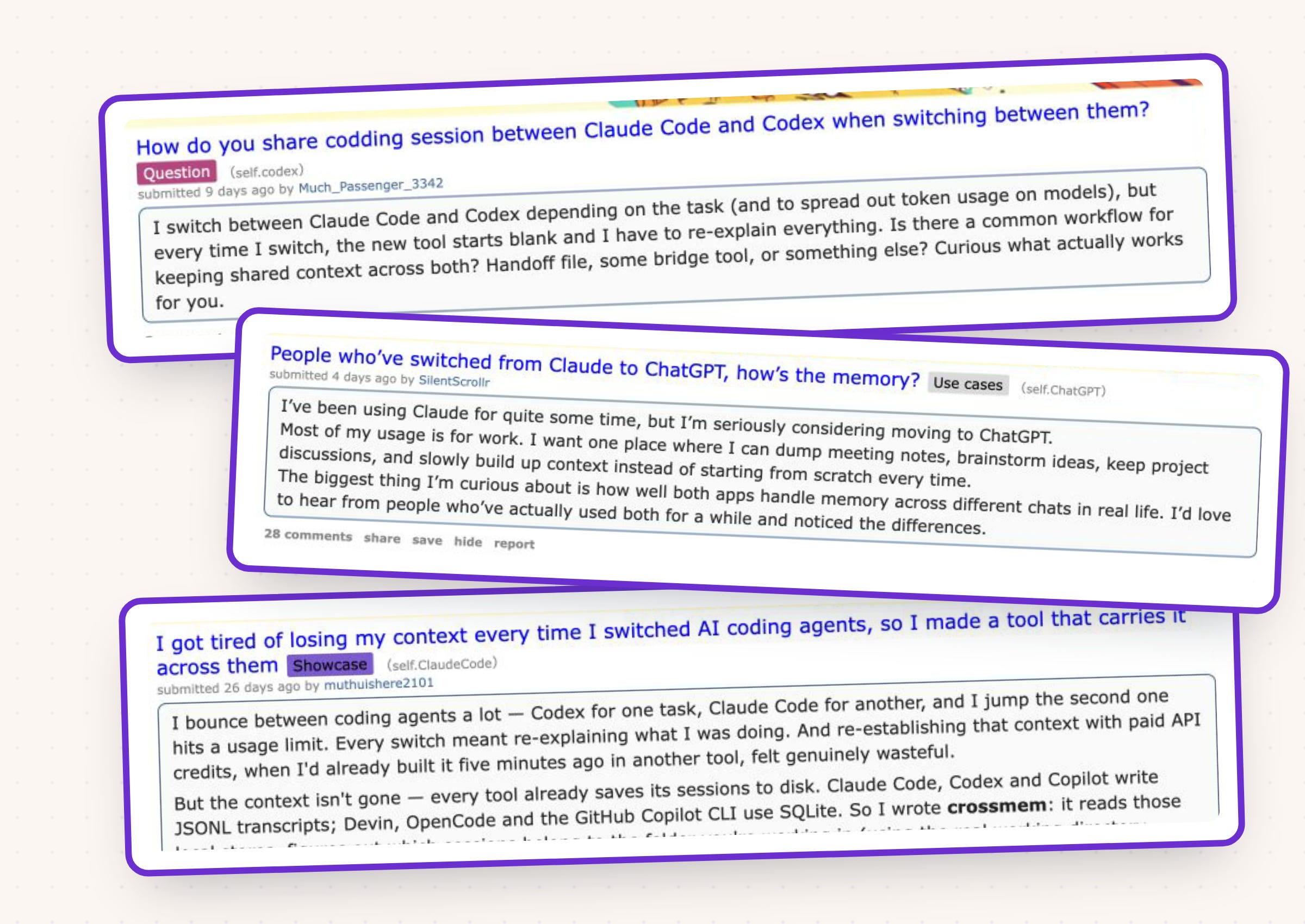
To resolve that, I gradually built up one maintained AI second brain for my AI tools.
I wanted every new AI tool to begin with one instruction:
Onboard to my AI second brain.
Now I can add an AI tool without rebuilding my operating context inside it.
My approved skills, specifications, schedules, preferences, and procedures stay current in one place. The AI tool finds what it needs for the job.

What’s inside:
By the end: a shared AI memory setup that Claude, ChatGPT/Codex, and Hermes can read from one maintained source
Hi, I’m Jenny 👋
I believe anyone can thrive with AI, not by mastering the tools, but by building real things with them. I run Build to Launch and the Practical AI Builder program, where we go from experimenting to shipping. Come build with us.
If you’re new to Build to Launch, welcome! Here’s what you might enjoy:
Why AI Context Drifts Across Tools
The drift is built into the way the tools work.
Claude Code, Codex, and Hermes each have their own places for instructions and working context. Their skill systems overlap, but skill availability, permissions, memory, and scheduled work still follow tool-specific rules.
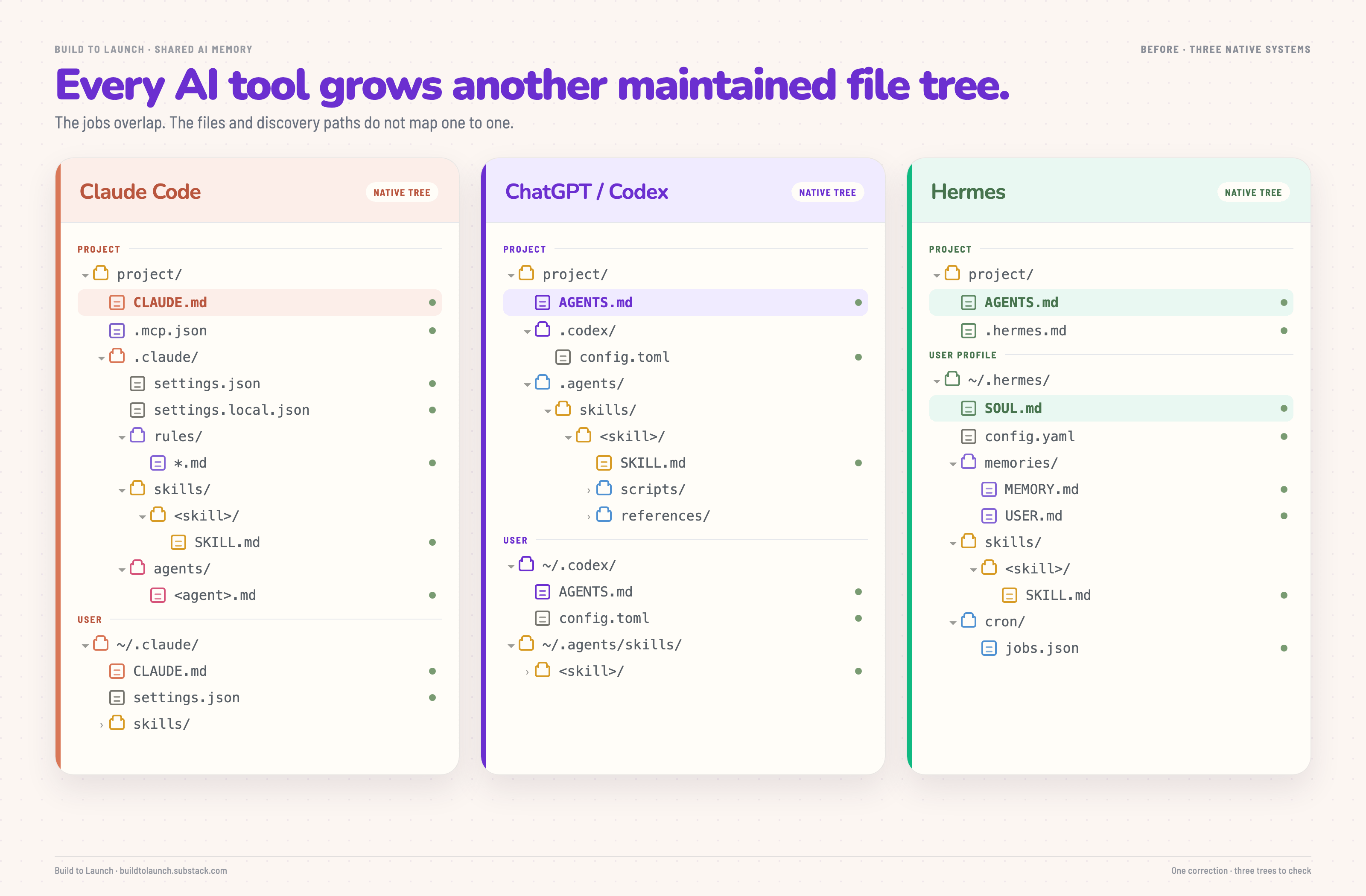
So the same working preference can become three separate instructions. A useful skill can exist in one tool and be invisible in another. Feedback can improve one copy while the other two stay stale.
I had already seen how much maintenance one skill library requires when Claude skills stop triggering or drift. Adding more AI tools multiplies every durable change.
Without a shared layer, I become the synchronization system.
What It Looks Like With a Shared AI Second Brain
You can use the same skill files across all AI tools without maintaining duplicate copies.
One AI skill appeared in all three tools
You can confirm the shared source from each tool’s own interface.
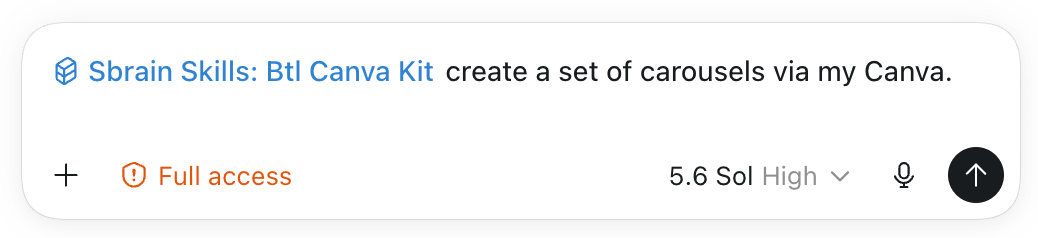
I wanted to create a set of carousels with my btl-canva-kit skill inside ChatGPT/Codex.
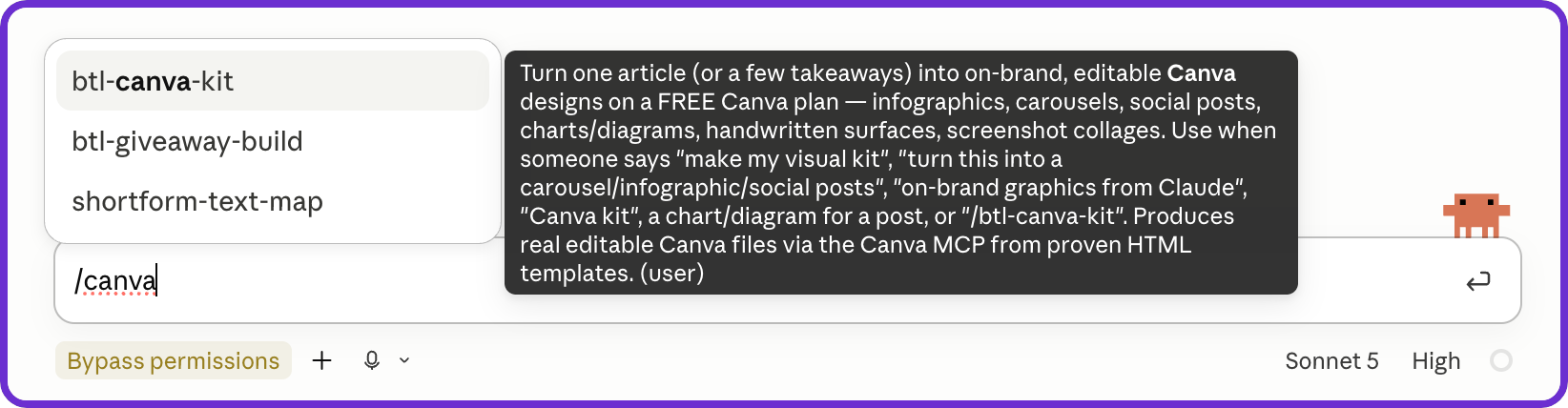
Claude found the same skill.
Hermes found it too.
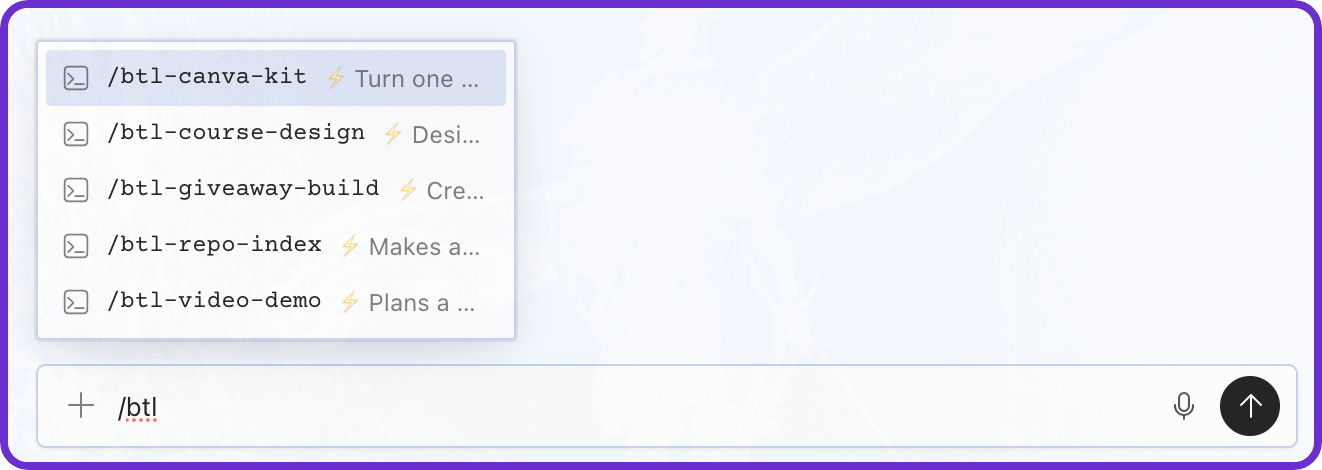
The skill existed once. Each AI tool reached it through its own discovery path, so I could maintain one source without reconciling three copies.
Feedback moved with the skill
You can capture skill feedback in one AI tool and let the next one continue from the same note.
I used Codex to record feedback on three parts of the video workflow in my Obsidian second brain.
The notes covered the cold opening, thumbnail ownership, and the boundary between long-form and short-form video. Codex attached them to video-code-pipeline and video-script-write without changing either skill.
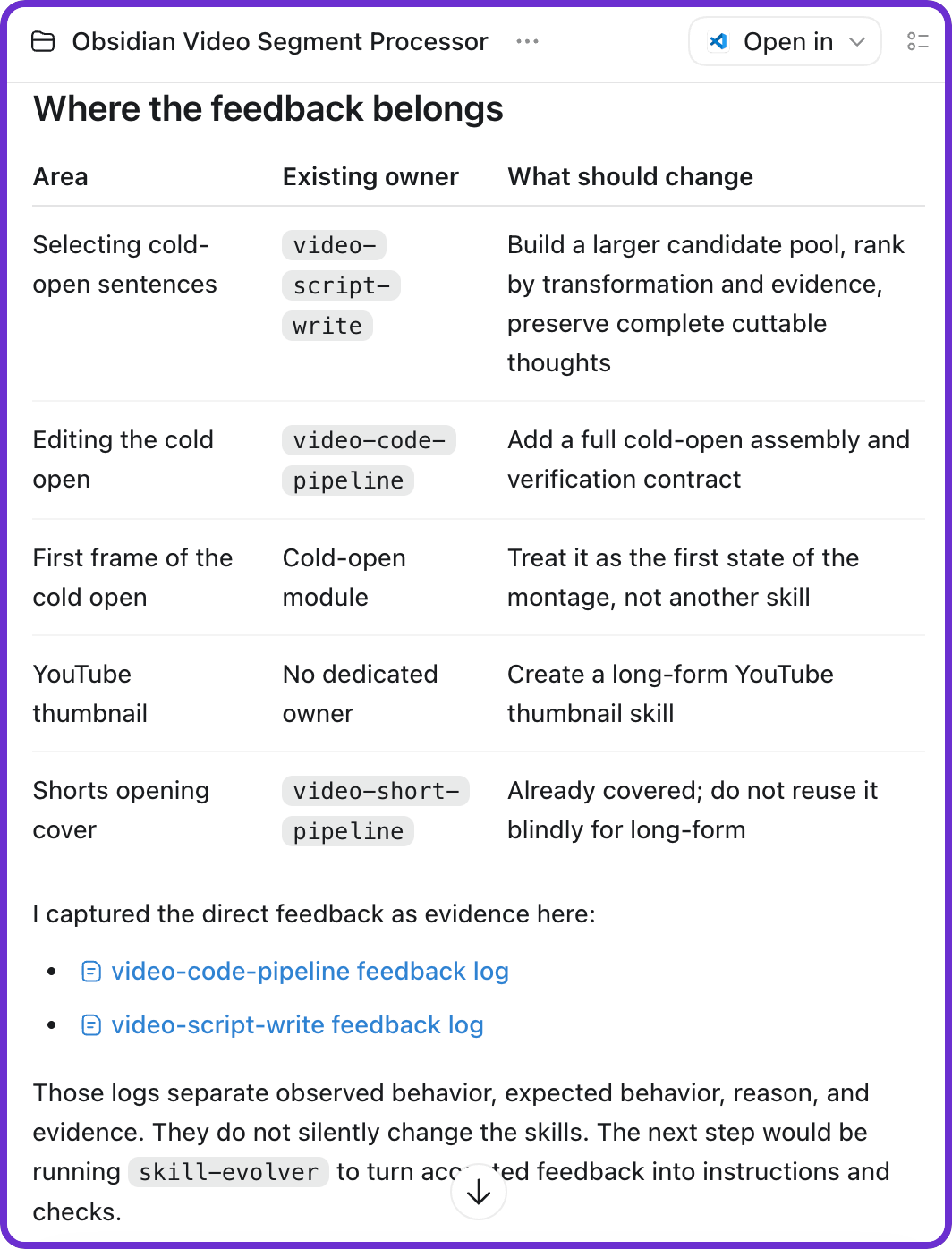
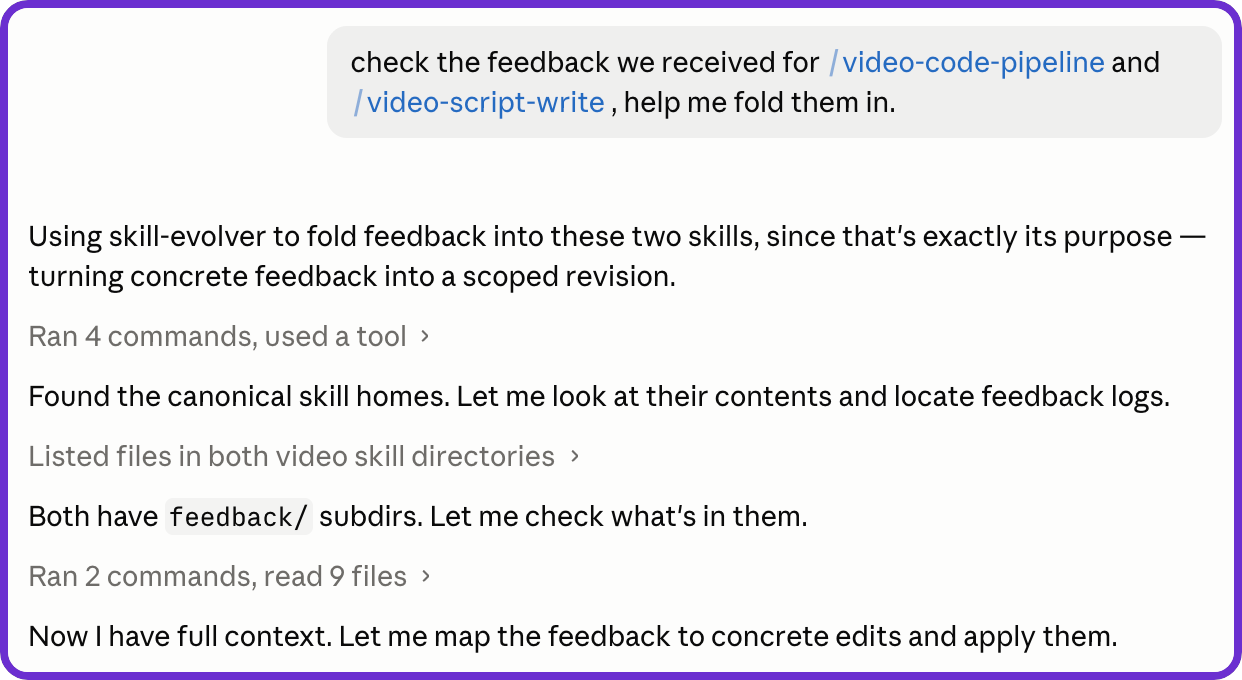
Later, Claude found the same feedback logs and used my skill-evolver procedure to fold in the approved changes.
Hermes then returned the revised cold-opening rule from video-code-pipeline: reuse recorded body takes and keep the cold open around 20 to 35 seconds.
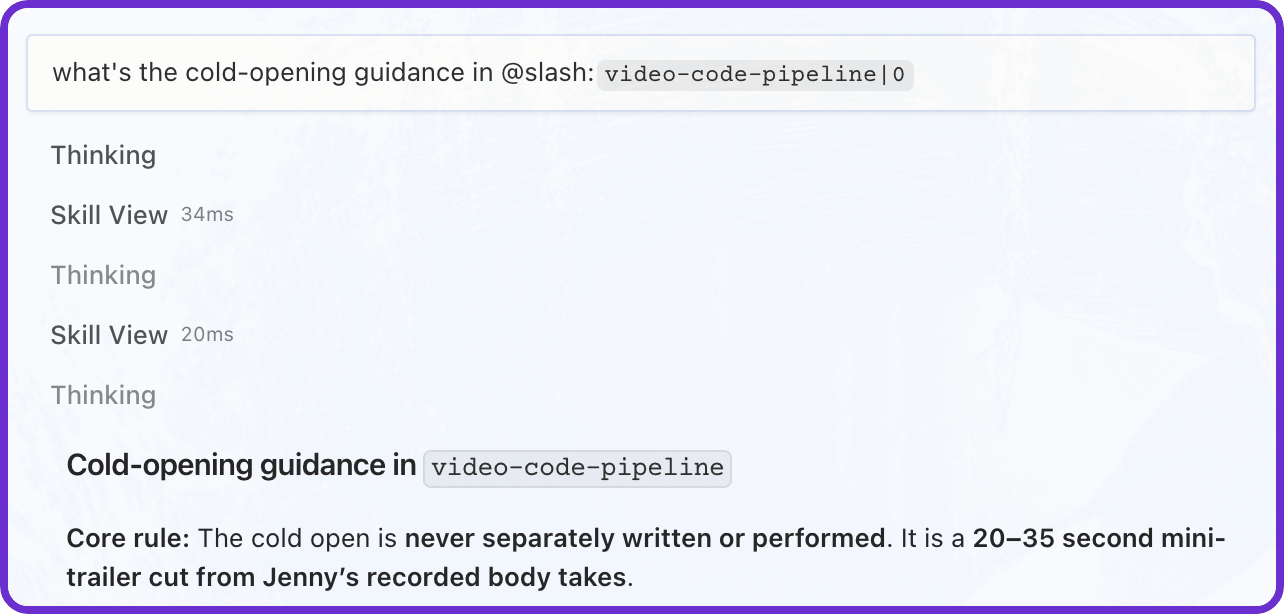
The same feedback path moved from Codex to Claude to Hermes without creating another skill copy.
The same layer carries into project work
You can apply the same routing pattern to projects, workflows, tools, and connectors.
I use it to avoid rebuilding my setup when I onboard Claude, switch to Codex, or start using another agent.
For project work, the shared layer points each connected AI tool to the state, decisions, specifications, and working conventions in the project itself. The project stays where it already lives, so you do not have to reorganize it or maintain a second copy.
The remaining work is connecting your own AI tools without creating another set of copies.
In the paid section below, is the exact setup for building this shared memory layer.
You get the setup steps, folder templates, and prompts that guide your AI through installing and maintaining one system. Any AI with access to the shared source can work from it.
You will get the complete setup files, tool-specific pointers, prompts, privacy safeguards, update procedure, and 10-minute test inside this article.